How to Add Courses to the Course Offering List
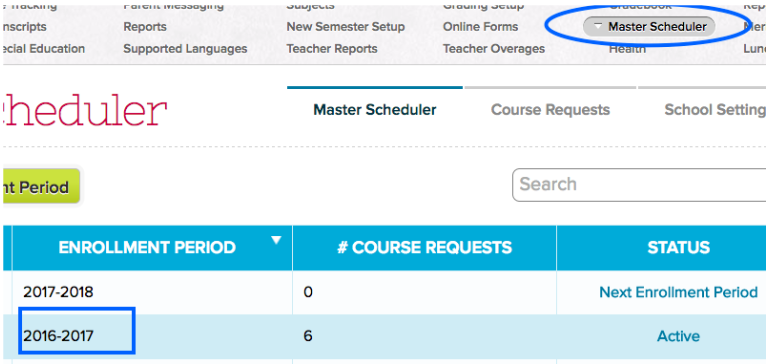
1. Navigate to Master Scheduler > Click on the corresponding year:
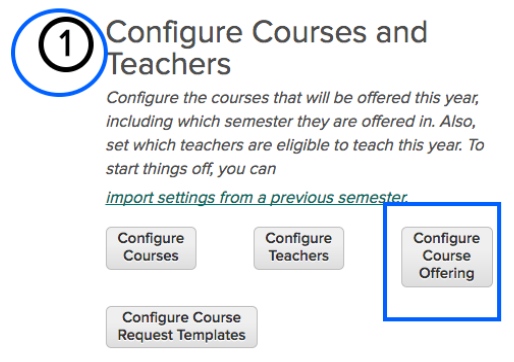
2. In Step 1, click the Configure Course Offering button:
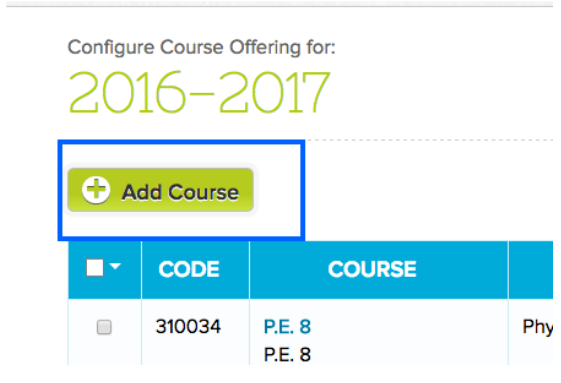
3. Click the Add Course button:
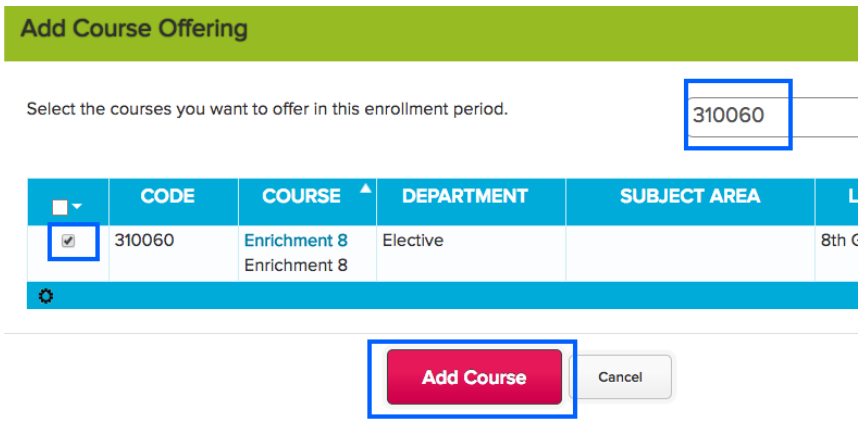
4. Search for the needed course and click the checkbox to the left. Once selected, click the add course button:
5. The course will now be available to select when adding sections.
Note: the course offering list can be copied over onto future years.